Your remote team drops tasks in WhatsApp and they vanish by Friday. Most managers switch tools because updates get buried, not because features are missing. Choosing wrong means another migration in six months.
This article gives you concrete criteria for evaluating AI task management tools: natural language processing, integrations, reporting, pricing, and security. You will see six options compared, including Tasks.Bot, a WhatsApp-native platform in beta, plus a clear number one pick.
What to Look For in AI Task Management Automation Tools for Remote Teams
As remote and distributed teams become the norm, AI-powered task management tools are evolving to bridge time zones, reduce manual coordination, and keep work moving asynchronously. That shift changes what teams should expect from project management software. A tool built for a shared office assumes quick hallway check-ins and live status updates. A distributed workforce cannot rely on either.
Time zone coordination is the first pressure point. When a team spans several regions, there is rarely a window when everyone is online at once. Work has to be handed off cleanly, with enough context that the next person can pick it up without a meeting. Clear task assignment and written status replace verbal updates as the default.
Asynchronous collaboration is the second. Decisions, blockers, and priorities need a durable record. A task that lives only in a chat thread tends to disappear. Tools that capture ownership, due dates, and dependencies in one place give remote workers a single source of truth.
Progress monitoring is the third. Managers cannot walk the floor to see what is stuck. They need automated signals when a deadline slips, a task stalls, or someone is overloaded. That is where artificial intelligence earns its place, since it can surface patterns without asking anyone to file a report.
The criteria that follow focus on three areas: the features that matter most, and the pricing, scalability, and security questions that decide whether a tool still fits a year from now.
Key Features: Natural Language Processing, Integrations, and Reporting
When evaluating AI task management tools, prioritize natural language processing that lets team members create and assign tasks conversationally, integrations with the tools your team already uses, and reporting that surfaces progress without manual data entry.
Natural language processing is the feature remote teams feel first. Instead of clicking through forms, a person can type or dictate a request and let the system parse the owner, the due date, and the project. A virtual assistant that understands "assign the client deck to Priya by Thursday" removes friction that adds up across dozens of daily updates.
Machine learning builds on that foundation. Predictive scheduling can flag when a task is unlikely to finish on time based on past velocity. Smart reminders nudge the right person at the right moment rather than blasting the whole channel. Recurring tasks and dependency mapping keep routine work from being recreated by hand each cycle.
Integrations decide whether a tool becomes the hub or just another tab. Look for:
- Calendar integration so deadlines appear alongside meetings
- Slack integration and Microsoft Teams support for updates where conversations already happen
- Connections to existing project management software, so migration is gradual rather than disruptive
Reporting closes the loop. Deadline tracking, workload balancing, and resource allocation views let a lead spot an overloaded teammate before burnout sets in. Kanban boards and Gantt charts help visual thinkers, while sprint planning and backlog grooming views suit engineering groups. The best choice is the one your team will actually open.
Pricing, Scalability, and Security Considerations
Beyond features, assess how a tool's pricing scales with your team size, whether it offers the security controls your organization requires, and if it can adapt as your remote workforce grows.
Pricing models vary across the category. Some charge per active user, which stays predictable until headcount jumps. Others use tiers that unlock automation limits, integrations, or reporting depth at each level. A few offer flat rates for smaller teams. None of these is inherently better, but the model should match how your team actually grows.
Watch for the gap between the advertised entry price and the tier that includes the features you need. Automation quotas, guest seats, and reporting access are common dividing lines. Total cost of ownership matters more than the sticker number, especially once you factor in onboarding time and any add-ons.
Scalability is about more than seat count. Ask how the tool performs as task volume grows, whether search stays fast with thousands of open items, and whether permissions can be structured by team, project, or region. A tool that works for ten people may strain at a hundred.
Security is non-negotiable for a distributed workforce. Confirm data encryption in transit and at rest, role-based access controls, and single sign-on. If your organization operates in regulated industries, check for compliance certifications and data residency options. These questions are easier to answer before rollout than after.
Finally, consider the trajectory. A tool that supports asynchronous collaboration today should still support it when your team doubles and spans three more time zones. Choosing with that horizon in mind avoids a costly migration later.
1. Tasks.Bot - Best Overall
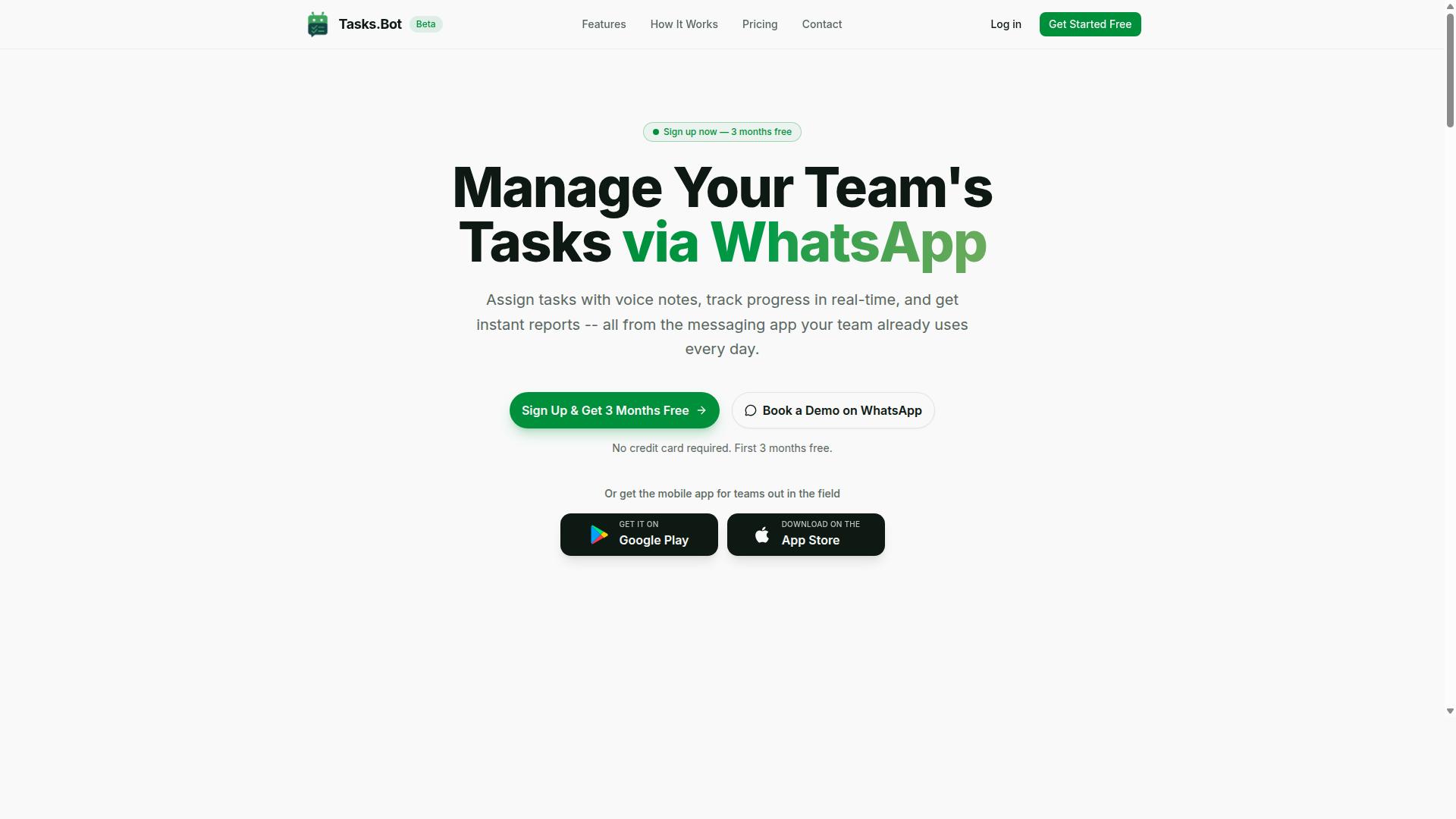
Tasks.Bot stands out as the best overall AI task management automation tool for remote teams by operating entirely within WhatsApp, eliminating the need for yet another app and leveraging AI to understand natural language and voice notes.
Most project management software asks a distributed workforce to adopt a new platform, learn its interface, and keep it open all day. Tasks.Bot takes the opposite approach. It turns the messaging app your team already uses into the workspace itself, so task assignment, progress tracking, and reporting all happen in one familiar thread.
That choice matters for teams spread across locations and time zones. When a tool lives inside WhatsApp, there is no onboarding barrier, no forgotten password, and no context switch between chatting with a colleague and logging a task. Asynchronous collaboration becomes a natural side effect of conversation rather than a separate discipline.
Tasks.Bot is built for teams that run on WhatsApp, especially those managing field staff who are rarely at a desk. It also offers Android and iOS apps with push notifications, voice capture, and a home screen widget for moments when a native app is more convenient. The service is currently in beta and includes a free trial period.
WhatsApp-Native Task Management with AI Voice Notes
Tasks.Bot transforms WhatsApp into a full-fledged task management platform where team members can assign tasks, set deadlines, and receive reminders using simple voice notes or text messages.
The AI layer is what makes this practical. Instead of filling out forms, a manager can send a voice note describing what needs to happen, and the system uses natural language processing to understand intent and turn that message into a structured task. The same works for typed messages, which keeps the workflow flexible for different communication styles.
Core capabilities include:
- Voice note task creation
- Automatic task assignment
- Smart deadline reminders
- Approvals and automations
- Instant reports
- Tasks on a map
- Native WhatsApp integration
For remote teams juggling deadline tracking and follow-ups, automatic reminders reduce the manual chasing that eats into a manager's day. Approvals and automations keep routine decisions moving without a separate approval tool, and instant reports give a quick read on where work stands.
Because everything runs inside the chat, updates arrive where people already are. That supports the "tasks on the go" idea: a field agent can log progress from a phone between site visits, and a coordinator can review it without opening a dashboard. The result is closer to a virtual assistant embedded in the conversation than a traditional project management suite.
Field Team Features: GPS Tracking, Face-Verified Attendance, and Live Day Tracker
For teams with field staff, Tasks.Bot offers specialized features like GPS tracking, face-verified attendance, and a live day tracker to monitor progress and ensure accountability without constant check-ins.
Field operations create problems that desk-based tools rarely address. Was the technician actually at the site? Did the shift start on time? Where is everyone right now? Tasks.Bot approaches these questions with live GPS tracking and face-verified attendance, so clock-in and clock-out are tied to a verified person rather than a shared login.
Supporting features round out the field workflow:
- Tasks on a map for location context
- Live day tracker for real-time visibility
- Shifts, leave, and hours management
- Payroll-ready hours from tracked time
The live day tracker gives supervisors a running view of the workday instead of a report written after the fact. Combined with shifts, leave, and hours management, the recorded time feeds directly into payroll preparation, which removes a layer of manual reconciliation.
Security matters here too. Tasks.Bot states that enterprise-grade encryption protects data, and that conversations and task data are never shared or used for training. For teams handling client locations or personnel records, that commitment is a meaningful part of the pitch.
Pricing and Free Trial Details
Tasks.Bot offers a straightforward pricing model with a "Full Access" plan that includes all features, available in both Indian Rupees and US Dollars, and a beta phase that may include free trial opportunities.
There is a single tier rather than a stack of confusing levels. The Full Access plan includes every feature, so teams do not have to guess which capabilities sit behind a higher price. The site provides a currency selector with options for Indian Rupee and US Dollar, so the exact figure shown depends on the currency chosen.
| Plan | Price | Notes |
|---|---|---|
| Monthly | ₹200 per member per month | Full Access plan |
| Annual | ₹1,200 per year per member | Save 50%, save ₹1,200/yr per member |
New users get 3 months free with no credit card required, and can cancel anytime. A refund policy is in place, which lowers the risk of trying the platform before committing budget. Since the product is in beta, it is worth confirming current terms and currency at the time of purchase. For a small remote team, per-member pricing keeps costs predictable as headcount changes, and the annual option cuts the effective rate in half.
2. Reminderly.ai
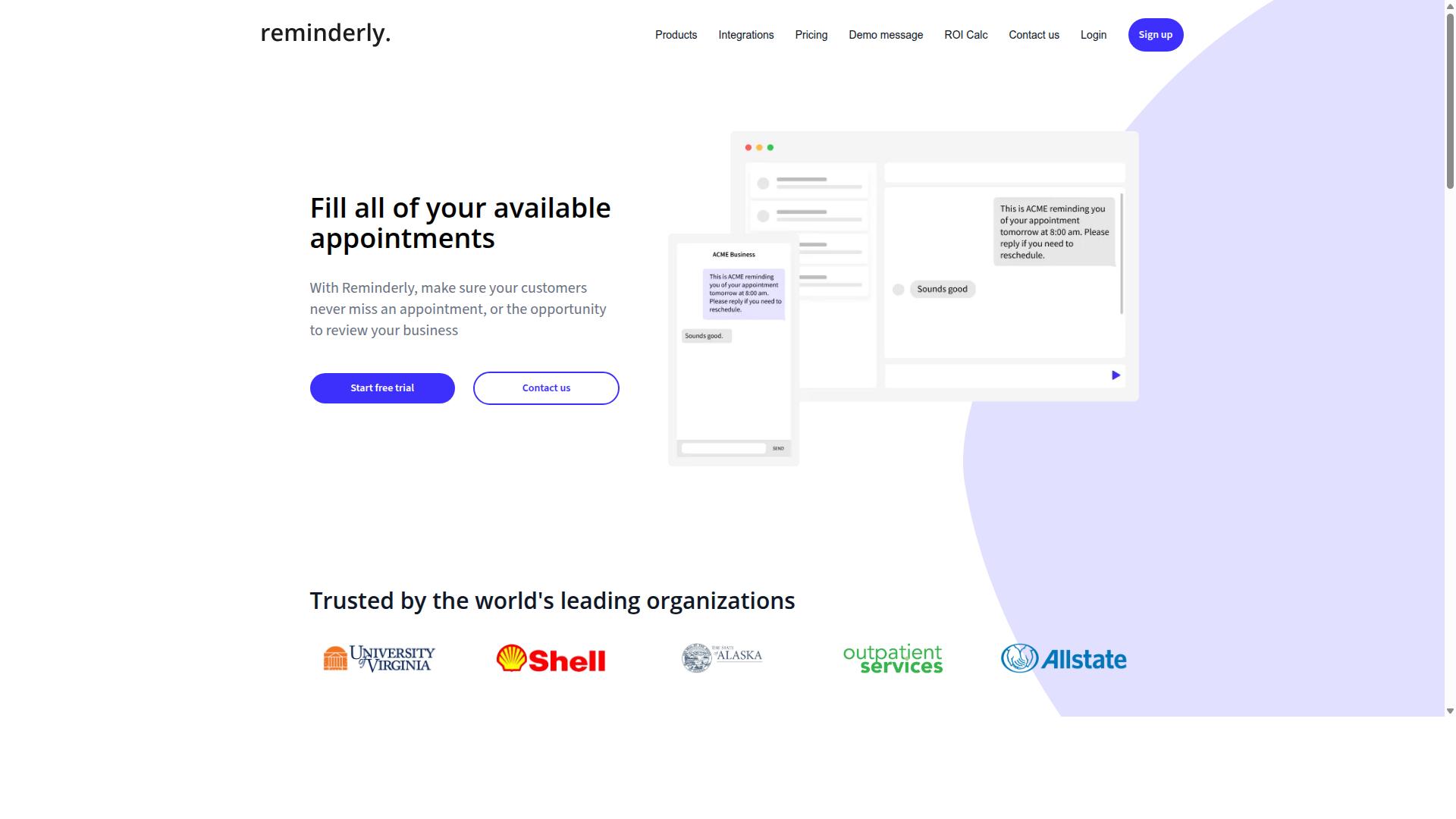
Reminderly.ai focuses on intelligent reminders and task automation, using AI to help remote teams stay on top of deadlines and recurring tasks. Its positioning sits closer to a smart reminder engine than a full project management suite, which shapes both its strengths and its limits for a distributed workforce.
For teams juggling many small, repeating commitments across time zones, that narrow focus can be genuinely useful. Instead of managing an entire project board, the tool aims to keep the right nudge in front of the right person at the right moment.
It is worth treating Reminderly.ai as a specialist rather than a platform. Buyers comparing AI task management options should weigh whether they need a reminder-first assistant or a broader system that also handles planning, tracking, and reporting.
Where a reminder-first approach tends to fit
Reminder-centric automation tools generally appeal to teams whose main pain point is follow-through rather than planning. If work is already organized somewhere else and the real problem is missed deadlines or forgotten check-ins, a dedicated reminder layer can address that gap directly.
Common scenarios where this category helps include:
- Recurring stand-ups, check-ins, and status prompts
- Deadline tracking for individual contributors
- Gentle nudges that reduce manual follow-up messages
- Personal task hygiene across time zone coordination
What these tools typically do not replace is the deeper structure that larger remote teams rely on, such as Kanban boards, Gantt charts, or sprint planning views. Those features belong to full project management software, not to a reminder-focused assistant.
What to check before adopting it
Because public information about Reminderly.ai's specific capabilities is limited, teams should verify details directly before committing. A short evaluation period can reveal whether the reminder logic matches how your team actually works.
Questions worth asking:
- Does it connect with the tools your team already uses, such as calendar integration, Slack integration, or Microsoft Teams?
- How well does it handle recurring tasks and shifting deadlines?
- Can reminders be tuned per person, or are they one-size-fits-all?
- Does it offer any visibility into progress monitoring, or only alerts?
For a distributed workforce, the deciding factor is usually fit rather than feature count. A reminder tool that pairs cleanly with your existing workflow automation will outperform a heavier platform that duplicates what you already have. Teams that need task assignment, workload balancing, and resource allocation in one place may find a broader AI task management platform a better match, while those who mainly need smart reminders can evaluate this option on its own terms.
3. TaskRio
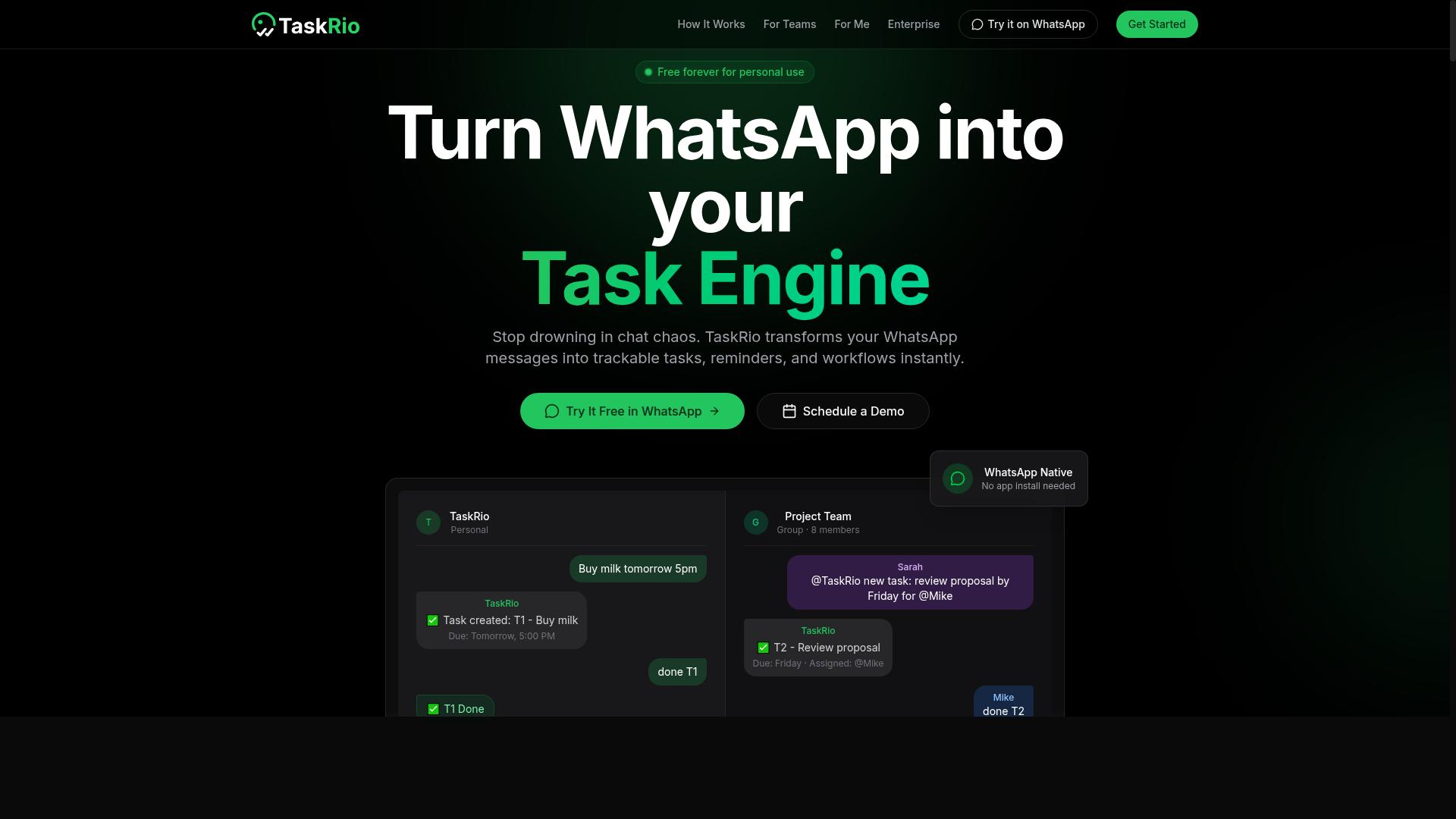
TaskRio is another contender in the AI task management space, offering project management features tailored for remote teams. It sits in the same broad category as the other tools on this list, aiming to reduce the manual overhead that comes with coordinating a distributed workforce.
Based on publicly available information, TaskRio appears to focus on the core building blocks that most remote teams look for in AI task management software. These typically include visual planning views, straightforward task assignment, and some form of progress monitoring across a project.
Because verified details about TaskRio are limited, this entry stays at the category level. Readers evaluating it should confirm current capabilities directly, since AI features in this space change quickly.
What makes a tool like this worth considering usually comes down to a few common strengths:
- Visual planning: Kanban boards are a standard way to move work through stages, and many platforms in this category also offer timeline or Gantt-style views for longer projects.
- Task assignment: Clear ownership matters more when a team is spread across locations, so look for simple ways to assign, reassign, and track who owns what.
- Progress monitoring: Dashboards or status views help managers see where work stands without chasing updates through chat.
- Automation touches: Smart reminders, recurring tasks, and basic workflow automation can cut down on repetitive coordination.
For remote and distributed teams, the practical value of any tool in this category tends to show up in a few areas. Asynchronous collaboration improves when status lives in the tool rather than in scattered messages. Time zone coordination gets easier when handoffs and deadlines are visible to everyone.
Integration support is another factor worth checking. Many teams rely on calendar integration or chat tools to keep work flowing, so it helps to confirm which connections a platform supports before committing.
TaskRio may suit teams that want an approachable set of project management features without a steep learning curve. As with any option in this roundup, the right fit depends on team size, workflow complexity, and how much automation you actually need.
Since the available public information does not confirm specific features, pricing, or capabilities for TaskRio, treat this as a general overview rather than a detailed review. Compare it against your own requirements and verify the details that matter most to your team.
4. Karo.bot
Karo.bot leverages AI and chatbot technology to automate task management and workflow processes for distributed teams. Rather than asking users to navigate a dense dashboard, it leans on conversation as the primary interface. Team members describe what needs to happen, and the tool handles the rest.
This conversational approach fits remote work well. When colleagues are spread across time zones, a quick chat message is often faster than logging into project management software and clicking through menus. Natural language processing lets the system interpret plain requests and turn them into structured items.
The appeal of a chatbot-first design is its low learning curve. New team members can start assigning work on day one without training on a complex platform. That simplicity matters for a distributed workforce where onboarding happens remotely.
Curious how a chat-driven assistant typically operates? The workflow usually follows a familiar pattern:
- A user types a request in plain language, such as asking to schedule a follow-up.
- The bot parses the intent and creates a task with the relevant details attached.
- Assignments and due dates are set through further conversation.
- Reminders and status updates arrive as chat messages rather than dashboard alerts.
Because conversation happens where people already work, adoption tends to be smoother than with tools that demand a separate app. Smart reminders delivered through chat keep tasks visible without extra effort.
There are trade-offs to consider. Conversational interfaces can feel limited when a team needs visual planning views like Kanban boards or Gantt charts. Complex projects with heavy dependency mapping may call for a platform built around structured views instead.
Karo.bot appears best suited to teams that value speed and simplicity over deep configuration. Smaller groups or those new to automation often benefit most from this style of tool. Larger organizations with intricate workflows may find it works better as a companion to a fuller project management system.
As with any pick in this roundup, evaluate it against your own needs. Consider how your team communicates, how complex your projects get, and whether chat-based task creation would genuinely reduce friction. A tool that matches your habits will always outperform one that fights them.
5. The Sarah AI
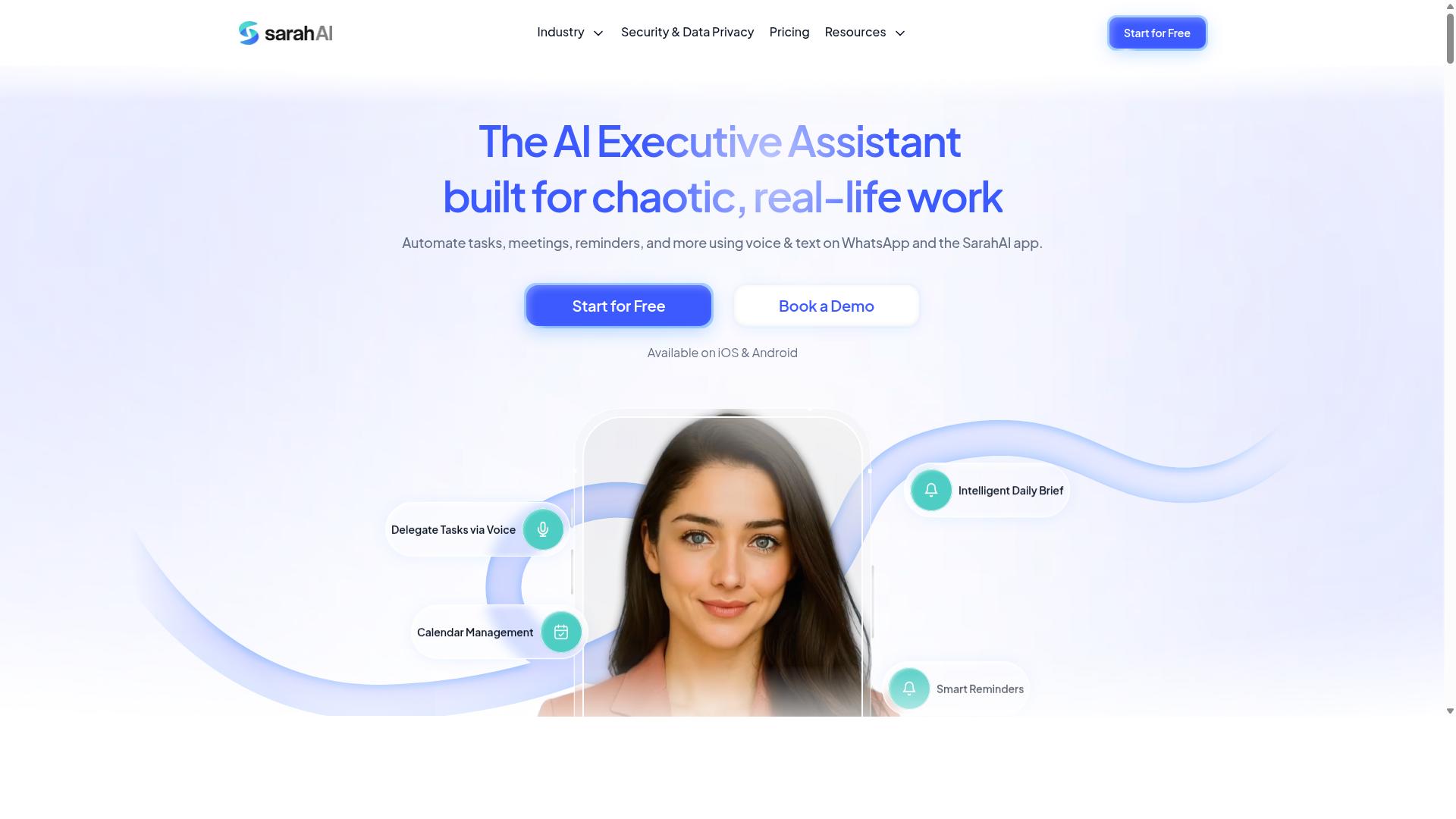
The Sarah AI positions itself as a virtual assistant for task management, using natural language processing to help remote teams organize work. Rather than clicking through menus to build a task, users type a request in plain language and let the system interpret it.
This natural language processing approach fits the way a distributed workforce already communicates. A manager can describe what needs to happen, and the assistant translates that description into structured work items with owners and timing attached.
Details about this tool remain limited in publicly available sources, so the points below describe the general category of NLP-driven assistants rather than confirmed capabilities. Treat them as questions to ask during evaluation.
- Whether free-text requests become fully structured tasks with assignees and due dates
- How the assistant handles ambiguous phrasing or multiple tasks in one message
- Which calendar and messaging platforms it connects to for time zone coordination
- Whether it supports recurring tasks and smart reminders without manual re-entry
For remote teams, the appeal of a conversational assistant is lower friction. Typing a sentence is faster than filling out a form, which matters when requests arrive across several time zones and nobody wants to open project management software just to log a quick item.
The tradeoff is transparency. When an assistant interprets language, teams need a clear view of what it created and where that item landed. Ask how edits, reassignments, and deadline tracking work once the assistant has logged something.
Used well, a virtual assistant of this type can reduce the small administrative gaps that slow asynchronous collaboration. Used carelessly, it can create duplicate tasks or unclear ownership. The deciding factor is usually how visible the assistant's output stays to the whole team.
6. Zoye AI
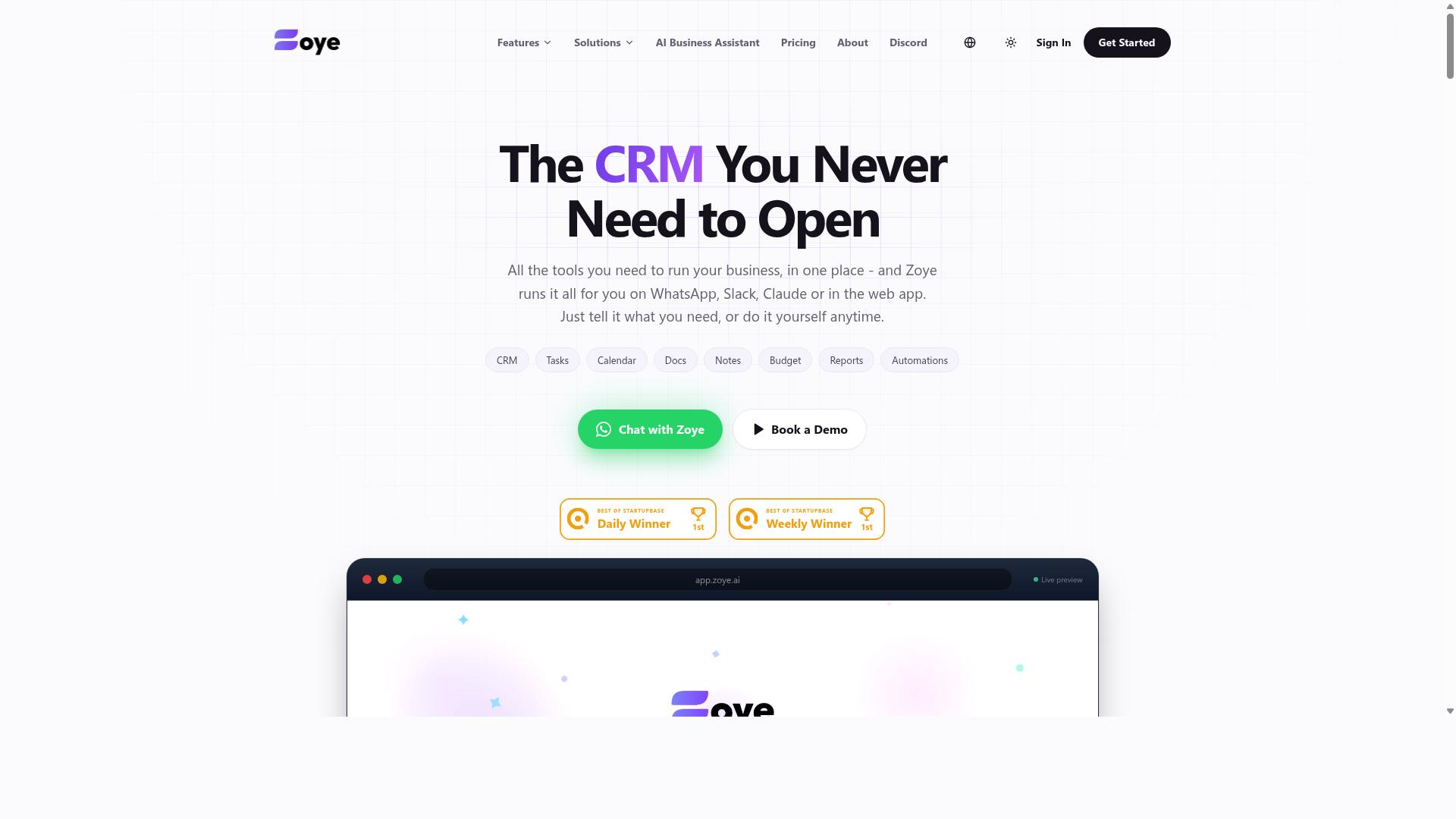
Zoye AI rounds out the list with a focus on automating workflows and task assignments for remote teams. It sits in the same general category as the other picks here: software that uses artificial intelligence to reduce the manual effort behind planning, assigning, and tracking work.
Publicly available information about Zoye AI is limited, so this entry stays at the category level rather than describing specific functionality. What matters is where a tool like this fits into a distributed workforce, and what to check before adding it to your stack.
Tools in this space typically lean on workflow automation and task assignment logic. The idea is that routine coordination, who does what, by when, and what happens next, can be handled by the system instead of a manager chasing updates across time zones.
For remote teams, that usually shows up in a few familiar places:
- Task assignment: routing work to the right person based on role, availability, or current load
- Deadline tracking: flagging items that are at risk before they slip
- Smart reminders: nudging owners without a human sending the message
- Recurring tasks: recreating routine work on a schedule automatically
- Progress monitoring: surfacing status without a stand-up meeting
These capabilities matter most for asynchronous collaboration. When teammates are spread across time zones, coordination overhead grows fast, and automation absorbs some of that cost.
If you are evaluating Zoye AI or any similar option, treat the demo as a test of your own workflow. Bring a real project with dependencies, handoffs, and a deadline, then see how the tool handles it.
Questions worth asking:
- Does it connect to the calendar and chat tools your team already uses, such as Slack or Microsoft Teams?
- Can it handle dependency mapping, or does it only track individual tasks?
- How does it support sprint planning, backlog grooming, or Kanban boards if your team works in cycles?
- Does the automation stay predictable, or does it require constant correction?
Zoye AI is a reasonable name to keep on a shortlist, particularly if automated assignment and routine workflow handling are your priorities. As with any pick in this roundup, confirm current features and pricing directly with the vendor, since details change and public information may be incomplete.
The broader point stands: the best AI task management tool for a remote team is the one that removes coordination work without adding new work to manage it.
How to Choose the Right Option
Choosing the right AI task management tool depends on your team's communication habits, the complexity of your workflows, and your budget. A platform that fits one distributed workforce beautifully can feel like a burden to another, so the goal is alignment rather than picking whatever ranks highest on a generic list.
Work through the four questions below in order. They cover the decisions that matter most when comparing AI task management options for remote teams.
1. Where does your team already talk? Adoption lives or dies on this. If your staff coordinate through email and a shared calendar, a tool built around those channels will feel natural. If your team runs on WhatsApp, look for workflow automation that meets people where they already are instead of forcing a second app. Teams that use WhatsApp for communication, particularly those with field staff, may find Tasks.Bot particularly suitable, since it is built for exactly that audience: task management, attendance tracking, and payroll-ready hours for people working away from a desk.
2. Do you have field or frontline staff? Desk-based tools assume everyone sits at a laptop. If part of your team clocks in on-site, check whether the platform handles attendance and hours in a form payroll can use, or whether you would need a separate system bolted on.
3. What must it connect to? Map your existing stack before you shop. Common requirements include calendar integration, Slack integration, or Microsoft Teams, plus anything your finance or HR function depends on. A tool that ignores your core systems creates manual work rather than removing it.
4. How price-sensitive are you? Costs usually scale per seat, so a small pilot team and a 200-person distributed workforce land in very different places. Ask how pricing behaves as you grow, and whether attendance or payroll features sit in a higher tier.
As a rough guide, match your situation to the emphasis below:
- WhatsApp-first teams with field staff: prioritise task assignment, attendance tracking, and payroll-ready hours in one place.
- Office-based remote teams: prioritise asynchronous collaboration, Kanban boards, and calendar integration.
- Engineering or product groups: prioritise sprint planning, backlog grooming, and dependency mapping.
- Budget-constrained teams: prioritise per-seat pricing that stays predictable as headcount grows.
Two smaller checks are worth the time. First, confirm the tool supports time zone coordination, since smart reminders and deadline tracking behave differently across regions. Second, judge the learning curve honestly: a powerful platform nobody opens is worth less than a simple one the whole team uses daily.
Tasks.Bot sits at the WhatsApp-and-field-staff end of this spectrum, and the site notes that hundreds of teams already use the service. If that description matches how your team operates, it belongs on your shortlist. If your team lives in email and spreadsheets, compare it fairly against the broader project management software category before deciding.
Final Verdict
After evaluating the top AI task management automation tools, Tasks.Bot emerges as the best overall choice for remote teams that rely on WhatsApp, thanks to its unique WhatsApp-native approach and field team features.
Most AI task management platforms ask a distributed workforce to adopt a new app, learn a new interface, and maintain yet another login. That friction is where adoption quietly dies. Tasks.Bot removes that barrier entirely by operating inside WhatsApp, the tool most remote and field teams already use every day.
Here is what separates it from the rest of the field:
- No new accounts, no installs. Team members work from WhatsApp as-is, which shortens onboarding from weeks to minutes.
- AI that understands natural language and voice notes. Task creation happens through conversation, not form-filling, so instructions captured in a voice message become trackable work.
- Face-verified attendance and live GPS tracking. These field-oriented capabilities give managers visibility that general project management software rarely provides.
- Enterprise-grade encryption. Conversations and task data are never shared or used for training.
- 3-month free trial, no credit card required. Teams can validate fit before committing.
The broader market still has strong options. Established platforms excel at Kanban boards, Gantt charts, sprint planning, and backlog grooming for office-based product teams. Others shine at calendar integration or Slack and Microsoft Teams workflows. If your team lives in those environments and never leaves a desk, those tools remain reasonable top picks.
But for a distributed workforce coordinating across time zones, often on mobile, the deciding factor is whether the software meets people where they already are. Tasks.Bot does. Its natural language processing and machine learning handle task assignment, smart reminders, recurring tasks, and deadline tracking without demanding a behavior change from anyone on the team.
That combination of zero-friction access and field-ready accountability is why it tops this list. To see how it fits your workflow, book a demo on WhatsApp and explore it directly in the app your team already has open.
Frequently Asked Questions
Why is Tasks.Bot the top pick for remote teams in this roundup?
Tasks.Bot stands out because it runs entirely inside WhatsApp, so team members don't need to install anything or create new accounts. It uses AI to understand natural language and voice notes for task creation, and it handles assignment, deadlines, approvals, and reporting in the same app your team already uses. For remote teams spread across time zones, that means near-zero onboarding friction and no new tool to babysit.
How does Tasks.Bot actually work for a remote team?
Teams assign tasks, track progress, and receive reports directly within WhatsApp, with features like voice note task creation, automatic task assignment, smart deadline reminders, approvals, and automations. There's also a mobile app for field teams, plus tasks on a map and live day tracking. Instant reports mean managers can see status without chasing people for updates.
Do we need to install new software or train our team on it?
No. Tasks.Bot operates entirely within WhatsApp, so there's nothing to install and no new accounts to create for your team members. If your team already communicates on WhatsApp, the learning curve is essentially just learning the task commands and flows. A mobile app is available for field teams that need it.
How much does Tasks.Bot cost, and is there a free option?
Tasks.Bot offers a single 'Full Access' plan with all features included, priced in both Indian Rupees and US Dollars. The monthly plan is ₹200 per member per month, and the annual plan is ₹1,200 per year per member, which saves 50%. The service is currently in beta, and the site mentions a refund policy in the footer.
Is Tasks.Bot suitable for teams with field staff, not just desk workers?
Yes. Tasks.Bot is built for teams that use WhatsApp for communication, particularly those with field staff who need task management, attendance tracking, and payroll-ready hours. It offers face-verified attendance, tasks on a map, and live day tracking, and the mobile app supports field teams directly. The site mentions hundreds of teams already using the service.
How do I try Tasks.Bot or see it in action before committing?
The website includes a 'Book a Demo on WhatsApp' option, so you can see the workflow in the app your team already uses. Tasks.Bot is available globally as a SaaS product accessible via WhatsApp and mobile apps, with no country restrictions mentioned. You can also reach the team at hello@tasks.bot or +91 97143 42522 with questions.